What is Bhunaksha or Land Map? Digital Land Maps & How to Download Online
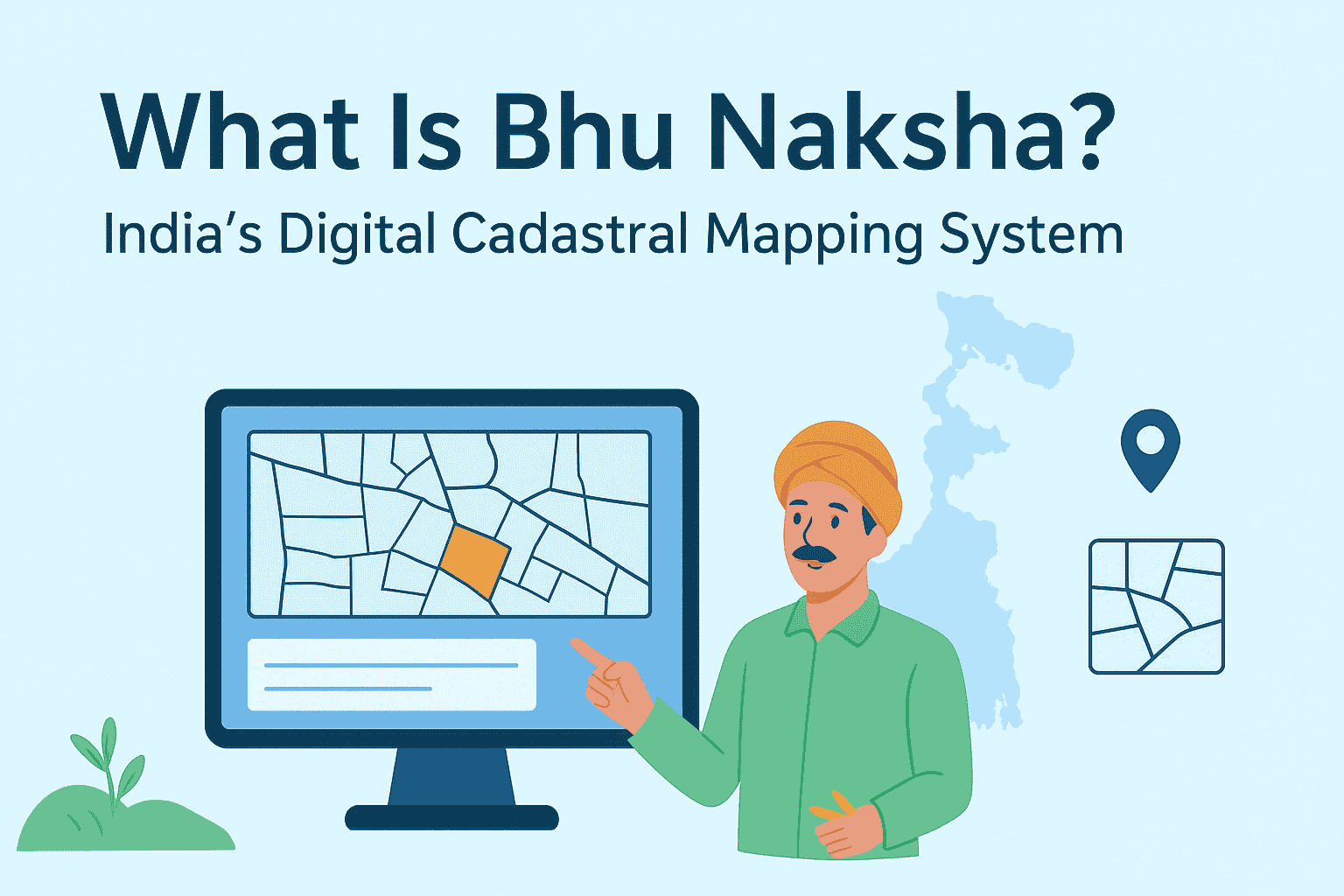
Bhu-Naksha is a transformative digital platform designed to modernize land parcel mapping across India. Developed under the Digital India Land Records Modernization Programme (DILRMP), it replaces traditional paper-based cadastral maps with interactive, GIS-enabled digital maps. This innovation allows citizens, farmers, and government officials to access accurate land boundaries, ownership details, and integrated Record of Rights (RoR) data online. By enhancing transparency, reducing disputes, and streamlining land administration, Bhu Naksha plays a pivotal role in India’s journey toward efficient and equitable land governance.
What Does “Bhu-Naksha” Mean?
The term “Bhu-Naksha” is derived from Hindi:
- Bhu = Land
- Naksha = Map
So, Bhu Naksha literally means Land Map. It refers to India’s official digital cadastral mapping system, which allows users to view, analyze, and print land parcel maps online.
Who Developed Bhu-Naksha?
Bhu-Naksha was developed by the National Informatics Centre (NIC) under the Ministry of Electronics & Information Technology, Government of India. It is designed to integrate seamlessly with each state’s Record of Rights (RoR) database, making it a flexible and scalable solution for land record modernization.
Objectives of Bhu-Naksha
The Bhu-Naksha portal was created to:
✅ Digitize and secure land parcel maps
✅ Enable online access to cadastral data
✅ Reduce land disputes through visual clarity
✅ Support mutation and land division processes
✅ Promote transparency in land ownership
Key Features of Bhu-Naksha
| Feature | Description |
| Interactive Map Viewer | Zoom, pan, and click on plots like Google Maps |
| Integration with RoR Database | Syncs with state land records for real-time updates |
| Plot Division Tools | Divide plots during mutation or infrastructure planning |
| Geo-referencing Legacy Maps | Digitize old maps and align them with modern coordinates |
| Multi-platform Access | Available on desktop, mobile, and web |
| Audit Trail & History | Tracks changes made to maps for legal and administrative purposes |
| Thematic Mapping | Visualize land use, ownership, and classification with color-coded layers |
| Print & Export Options | Download maps in various formats for legal or planning use |
How to Use Bhu-Naksha Online
Using Bhu-Naksha is simple and user-friendly. Here’s a step-by-step guide:
- Step: Visit the Official Portal
Go to https://bhunaksha.nic.in
- Step: Select Your State
Choose your state from the dropdown menu. States like Uttar Pradesh, Odisha, Chhattisgarh, and Bihar have active implementations.
- Step: Choose District, Tehsil, and Village
Navigate to your location using administrative divisions.
- Step: View Plot Map
Click on individual plots to view ownership details, area, and classification.
- Step: Download or Print
Export the map for legal, agricultural, or planning purposes.
Benefits of Bhu-Naksha
✅ Transparency: Reduces corruption and manipulation in land transactions
✅ Legal Clarity: Helps resolve boundary disputes and ownership claims
✅ Ease of Access: No need to visit tehsil offices for basic land info
✅ Support for Mutation: Facilitates plot division and ownership updates
✅ Planning Tool: Useful for farmers, builders, and urban planners
States Where Bhu-Naksha Is Available
As of now, Bhu Naksha has been implemented in 19+ states, including:
Each state customizes the portal to match its local land record structure.
Legal Importance of Indian Cadastral Maps
Cadastral maps are essential for:
- Property registration
- Mutation and inheritance cases
- Court disputes
- Agricultural planning
- Infrastructure development
With Bhu-Naksha, these maps are now accessible online, reducing dependency on paper records and manual verification.
Conclusion
Bhu-Naksha is a game-changer in India’s journey toward digital governance. By offering transparent, accessible, and interactive land parcel maps, it empowers citizens, farmers, and officials alike. Whether you’re verifying ownership, planning a project, or resolving a dispute, Bhu Naksha puts land data at your fingertips. For certified records, always refer to your state’s official Bhulekh Portal. But for visual clarity and easy access, Bhu Naksha is your go-to tool.
Explore more insights on Bhulekh and related topics visit Bhulekh India.
FAQs
Bhunaksha is a digital cadastral mapping system developed by Indian state governments under the Digital India Land Records Modernization Programme (DILRMP). It displays land parcels visually, including plot boundaries, khasra numbers, village maps, and surrounding land details. Bhunaksha is used for boundary verification, mutation, land registration, dispute resolution, and property transactions.
To check Bhunaksha online, visit your state’s official Bhunaksha portal. Select your district, tehsil, and village, then enter your plot or khasra number. The land map will be displayed on your screen, allowing you to zoom in and verify boundaries.
Each Indian state has its own Bhunaksha portal. Some examples include:
Uttar Pradesh – bhunaksha.up.gov.in
Madhya Pradesh – mpbhulekh.gov.in
Rajasthan – apnakhata.rajasthan.gov.in
Bihar – biharbhunaksha.gov.in
Jharkhand – jharbhoomi.jharkhand.gov.in
Odisha – bhunaksha.odisha.gov.in
Chhattisgarh – bhunaksha.cg.nic.in
To download Bhunaksha, visit your state’s official Bhunaksha website, select your district, tehsil, and village, then enter your plot or khasra number. Once the map appears, use the download or print option to save it as a PDF or image. Some states may charge a small fee for certified copies.
There is no single national Bhunaksha app. However, some states offer their own Bhulekh or land record apps. The safest and most reliable method is to use your mobile browser (Chrome or Safari) and access the official Bhunaksha portal directly.
Yes, viewing maps and basic details is free on the official portal.
Some states offer integrated mutation services; others redirect to their Bhulekh portals.
Yes, they are used by revenue departments and courts for verification and planning.
Yes, the portal is mobile-friendly and some states offer dedicated apps.
You should contact your local revenue office or submit a correction request online.