How to Check Land Records Online Through Official Government Portals (Step-by-Step Guide)
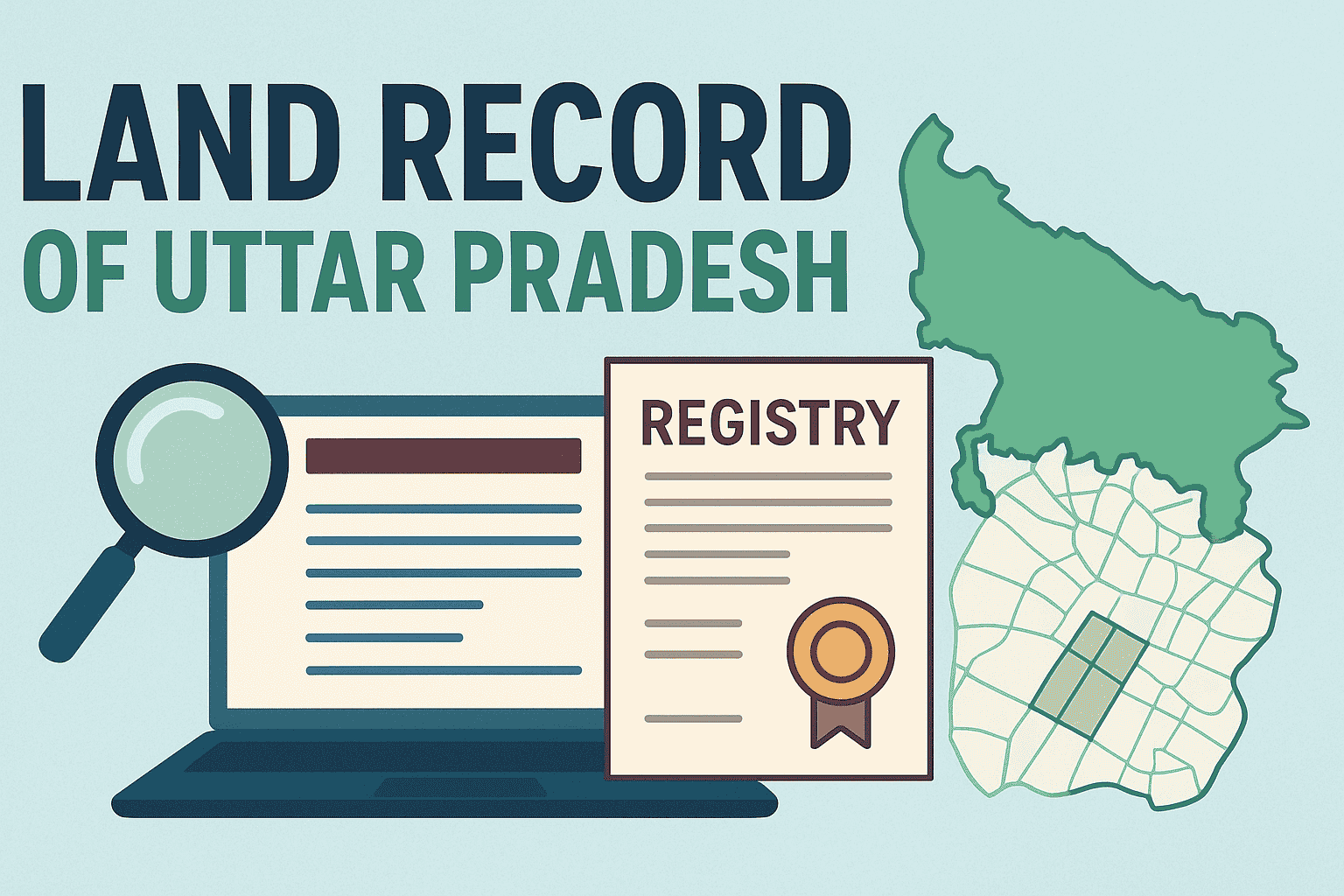
Checking land records in India no longer requires visiting Revenue Offices or Patwaris. Thanks to the Digital India Land Records Modernization Programme (DILRMP), most states now provide online access to land records under the platforms like:
- Bhulekh
- Bhoomi
- AnyROR
- Bhunaksha
- Maa Bhumi
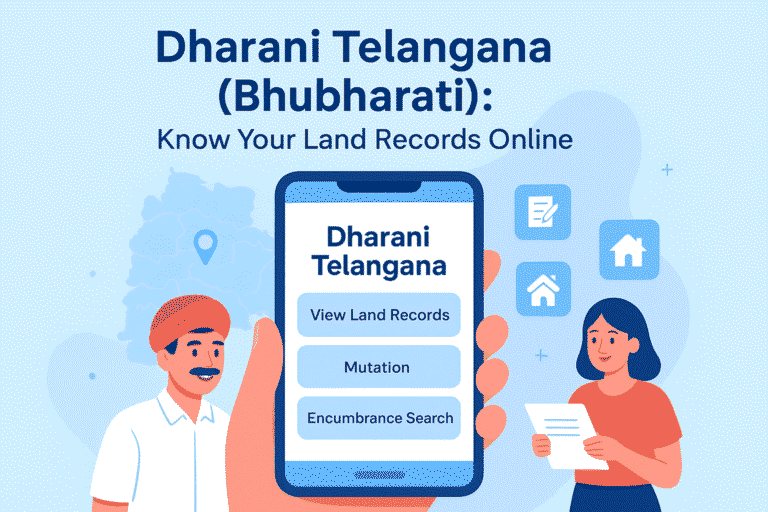
- Dhara / Dharani
- Jamabandi Portal
This guide explains how you can verify land ownership, plot details, and property documents online using official government websites.
What Land Details Can You View Online?
Online land portals allow you to access:
| Type of Record | Information Available |
| RoR (Record of Rights) | Owner name, possession details, tenancy record |
| 7/12 Extract (Maharashtra) | Crop details, land use, farmer name |
| Jamabandi (Punjab/Haryana) | Complete ownership & tenancy records |
| Khasra / Khatauni | Land measurement and cultivation information |
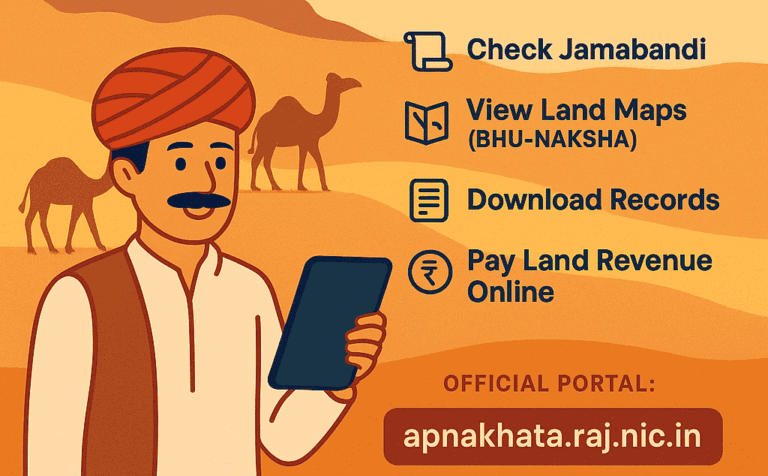
| Cadastral Maps (Bhunaksha) | Plot boundaries & geographic mapping |
Step-by-Step Process to Check Your Land Records Online
Although portal design differs state-wise, the process remains similar.
Step 1: Open Your State’s Official Land Record Website
Examples:
| State | Portal |
| Uttar Pradesh | bhulekh.up.gov.in |
| Bihar | biharbhumi.bihar.gov.in |
| Odisha | bhulekh.ori.nic.in |
| Maharashtra | bhulekh.mahabhumi.gov.in |
| Gujarat | anyror.gujarat.gov.in |
| Telangana | dharani.telangana.gov.in |
🚨 Important: Always access only official .gov.in websites.
Step 2: Select Your Geographic Details
You need to choose:
- District
- Tehsil/Block
- Village
Step 3: Choose Search Method
Most portals allow search by:
- Owner name
- Khata number
- Plot/Survey number
- Aadhaar-linked property (in some states)
Step 4: Enter Captcha and Submit
Click “View Land Record” or “Search”.
Step 5: View and Download the Record
You will now see:
- Owner information
- Survey number
- Property map (if available)
- Total area
- Land classification
- Revenue liabilities
You may print or download the record in PDF format if available.
Benefits of Checking Land Records Online
✔ Avoids fraud during land purchase
✔ Saves time and travel
✔ Helps verify ownership before registry
✔ Helpful for bank loans and legal compliance
✔ Supports transparency in land transactions
Common Issues Users Face
| Issue | Solution |
| Name mismatch | Apply online correction (mutation/correction portal) |
| Old records missing | Visit revenue office for manual entry |
| Map not showing | Check Bhunaksha portal separately |
| Server down | Try during non-peak hours |
Final Summary
Checking land records online through state Bhulekh portals has made ownership verification simple, transparent, and fast. Whether you’re checking agricultural land, buying a plot, or verifying ownership before registry, online systems save time and prevent fraud.
Frequently Asked Questions
Yes, most states offer land record viewing free of cost. A small fee may apply for certified downloadable copies.
Yes — if the document contains a QR code, digital seal, or official signature.
Yes, most portals are mobile-friendly. You can also use UMANG and state-specific mobile apps.
Yes, most portals are mobile-friendly. You can also use UMANG and state-specific mobile apps.
Yes — agricultural as well as non-agricultural land details are available online.
Some states show it; others require checking with local Tehsil.
Yes — online access works globally.
Records are updated after mutation, sale deed registration, or revenue update cycles.
Yes — through Bhunaksha GIS Maps in many states.
You must file a correction request online or visit the revenue office.
Explore Categories: